Select Bayer pattern
Rendering previews…
Eise.app is a free browser-based planetary image stacker for astrophotography. Pick a SER, AVI, or MP4 video of Jupiter, Saturn, Mars, the Moon, or the Sun, and it uses lucky imaging, combining the sharpest frames, to produce a detailed final image. Runs entirely in your browser.
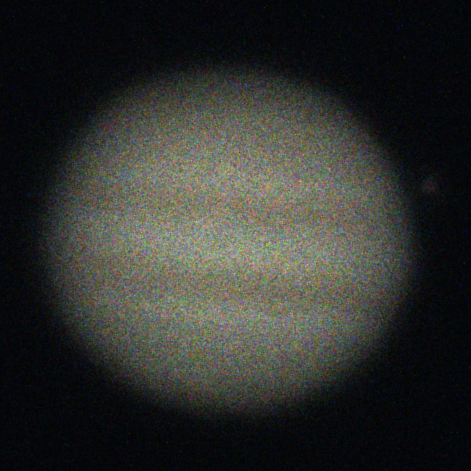
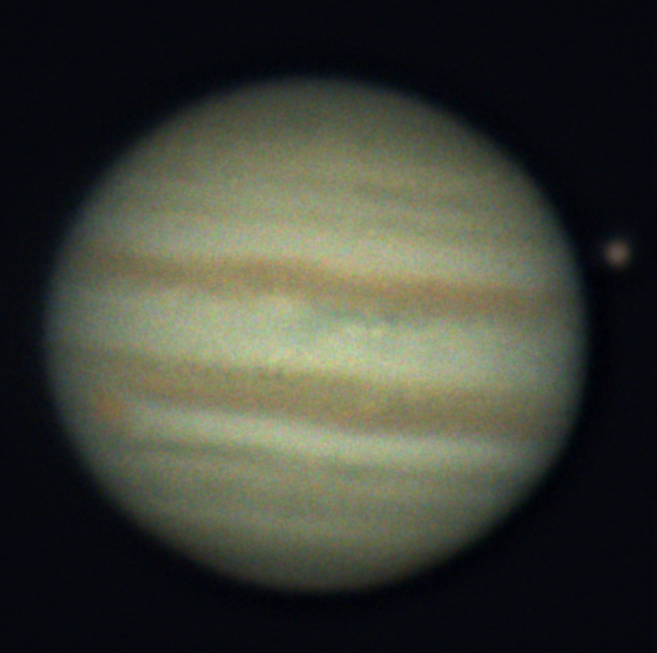
Under the hood, Eise.app automatically analyzes, crops, centers, and ranks every frame, then aligns and stacks the best ones. After stacking, the post processor opens for wavelet sharpening, RGB alignment, and color adjustments.
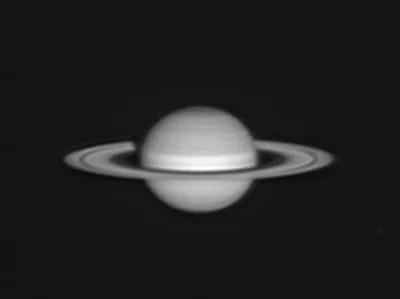 From the gallerySaturnby Jean-Claude LeclercqSee all community stacks
 Read more on the About page, or head over to Eise.app on Github. If you have feedback or you run into issues, Let me know!. If you want to support this project, consider to buy me a coffee.
Happy stacking,
Tijmen